What is Multi Factor Authentication (MFA)?
Multi factor authentication (MFA) is a critical enterprise security control that requires users to verify their identity using multiple authentication factors.

How Multi Factor Authentication Secures Enterprise Applications
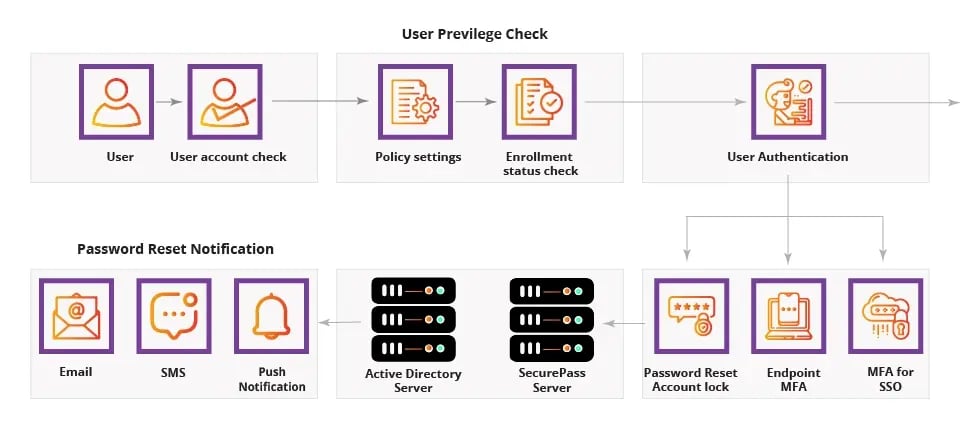
Manage enterprise application accessibility through single sign-on (SSO) by using high-end authentication methods such as biometrics and other factors

Multi Factor Authentication for Password Reset & Account Recovery
Empower users to execute self-service password reset (SSPR) and account unlock operations, which can only be performed after validating their identity through the mandated authentication processes

Multi Factor Authentication for Endpoint & VPN Security
Protect access to machines (Windows, macOS, Linux OS), VPN, and OWA logins through the application of multi-factor authentication (MFA)

Multi Factor Authentication for Cloud & On-Prem Environments
Embrace the flexibility of SecurePass MFA as it seamlessly integrates with various systems - both cloud-based and on-premises - ensuring consistent security across all platforms.

Why Enterprises Need Multi Factor Authentication
Minimize your business' vulnerability to security threats. By requiring multiple forms of identity verification, SecurePass MFA (Multi Factor Authentication) significantly reduces the attack surface, enhancing overall security.

User Experience Benefits of Enterprise MFA
Boost user convenience without compromising security. SecurePass MFA (Multi Factor Authentication) enables effortless user identity validation, resulting in a streamlined authentication process that enhances both security and usability.
Multi Factor Authentication Methods Supported by SecurePass
Gartner Mentions
eMudhra gets Mentioned in 2020 Gartner® Market Guide for User Authentication, second time!
Read MoreHow SecurePass Multi Factor Authentication Works
SecurePass Multi Factor Authentication Solutions - Minimizing Risk, Increasing Assurance levels with PKI Authentication
Watch Video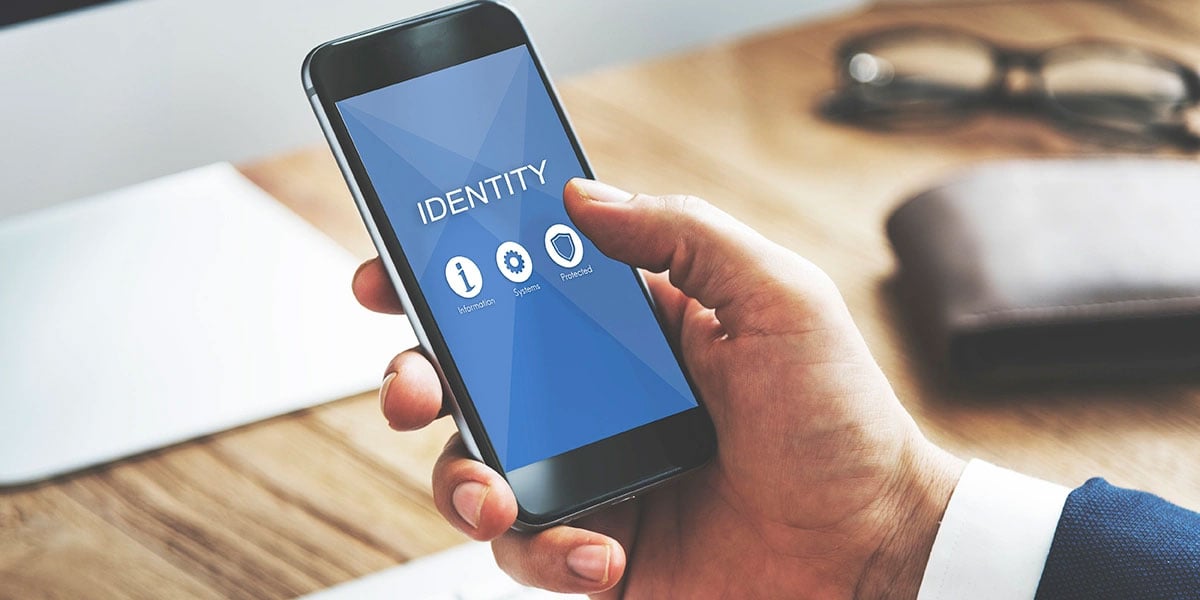
Multi-Factor Authentication
Multi-Factor Authentication (MFA): What is MFA and How It Works? PKI Authentication is one of the strongest authentication factors available today.
Read Blog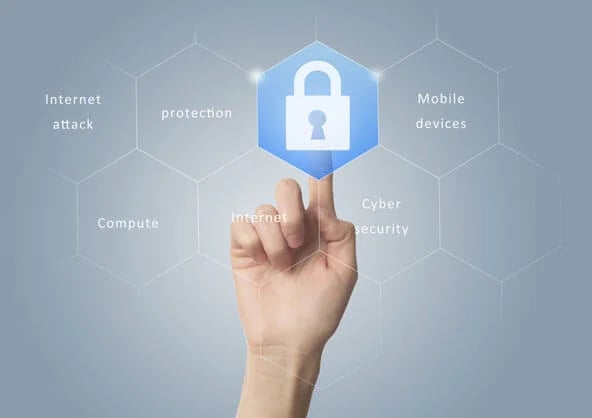
A Robust Authentication System!
SecurePass multi-factor authentication (MFA) significantly minimizes potential threats, safeguarding your business by demanding more stringent identity verification from users. This can be activated for everyone across all systems-encompassing both cloud-based and on-site applications and endpoints-in your network. Utilize SecurePass to efficiently and seamlessly implement MFA within your organization, thus fortifying your business security.Key Benefits of Multi Factor Authentication (MFA)
Enhanced Security Levels
SecurePass MFA intensifies protection by demanding multiple verification methods

Cloud and On-Premise
Equally efficient for both cloud-based and on-premises applications and systems

Stringent Identity Verification
Requires rigorous user identity verification to protect your business


All-Inclusive Coverage
Provides extensive defense for all users, systems, and network endpoints

Effortless Deployment
Enables easy and efficient implementation of MFA in your organization

Reduced Attack Surface
By deploying SecurePass MFA, potential cyber threats to your business are minimized
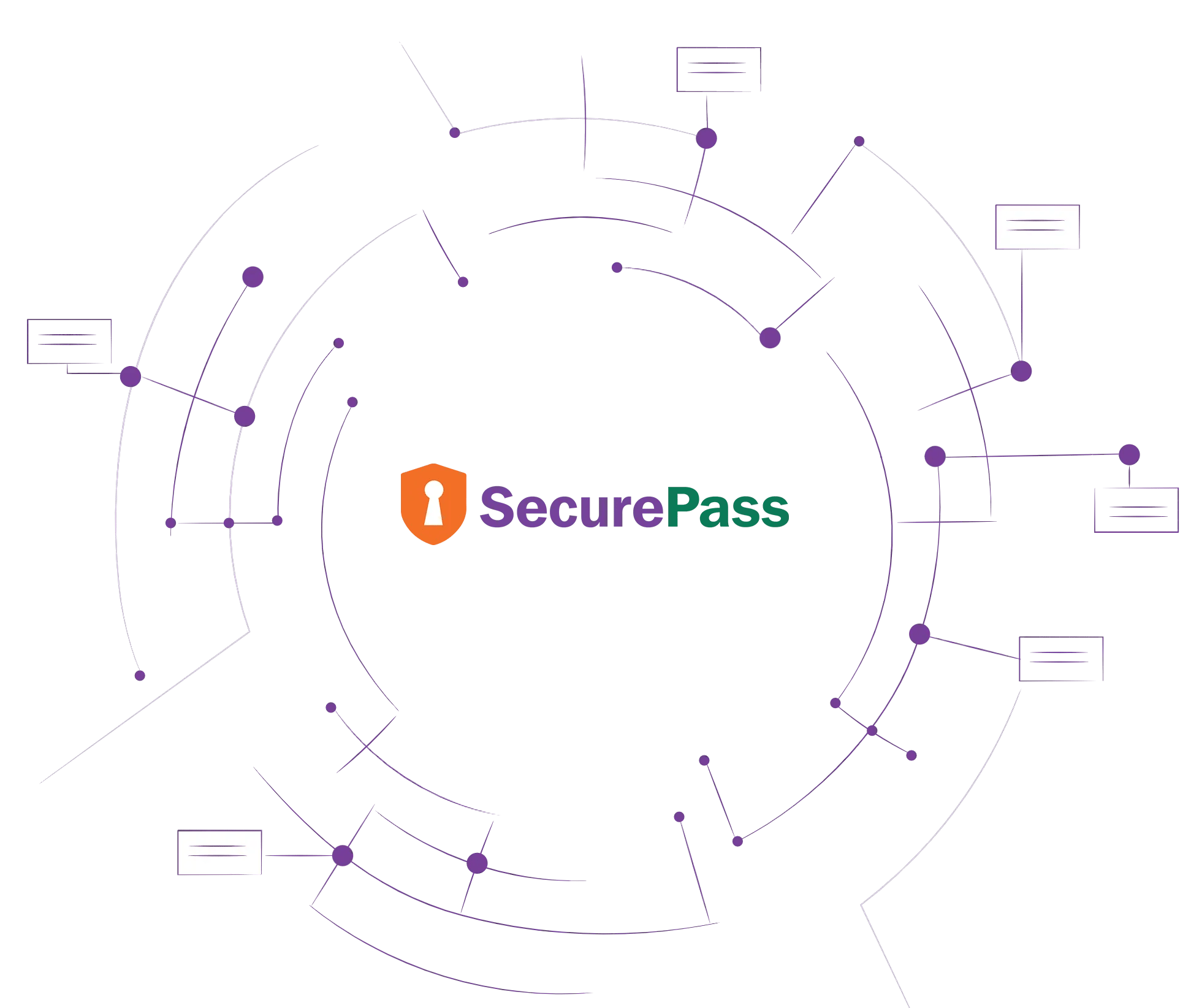
Multi Factor Authentication Architecture & Identity Flow
- Advanced Passwords
- Digital Signatures
- Smart Chip Cards
- Email OTP
- Fido Passkey
- Hardware Tokens
- Mobile Device Certificates
- Desktop OTP
- Mobile App OTP
- SMS OTP
- Biometric
- Facial Recognition
- QR Code
- Grid Cards
- Knowledge Base
Multi Factor Authentication Deployment Models

On Premise

Private Cloud
Related Resources
Authentication vs. Authorization: Know the Difference?
eMudhra Blog
Multi-Factor Authentication (MFA): What is MFA and How It Works?
eMudhra Blog
SecurePass Multi-Factor Authentication
Download Datasheet